Replace your coin collection spreadsheet.
Without losing what you've typed.
Spreadsheets work until they don't. MyCoinage imports your existing Excel or Google Sheets file in under a minute and gives every row a live valuation, photos, alerts and a real database engine behind it.
What works about a coin spreadsheet
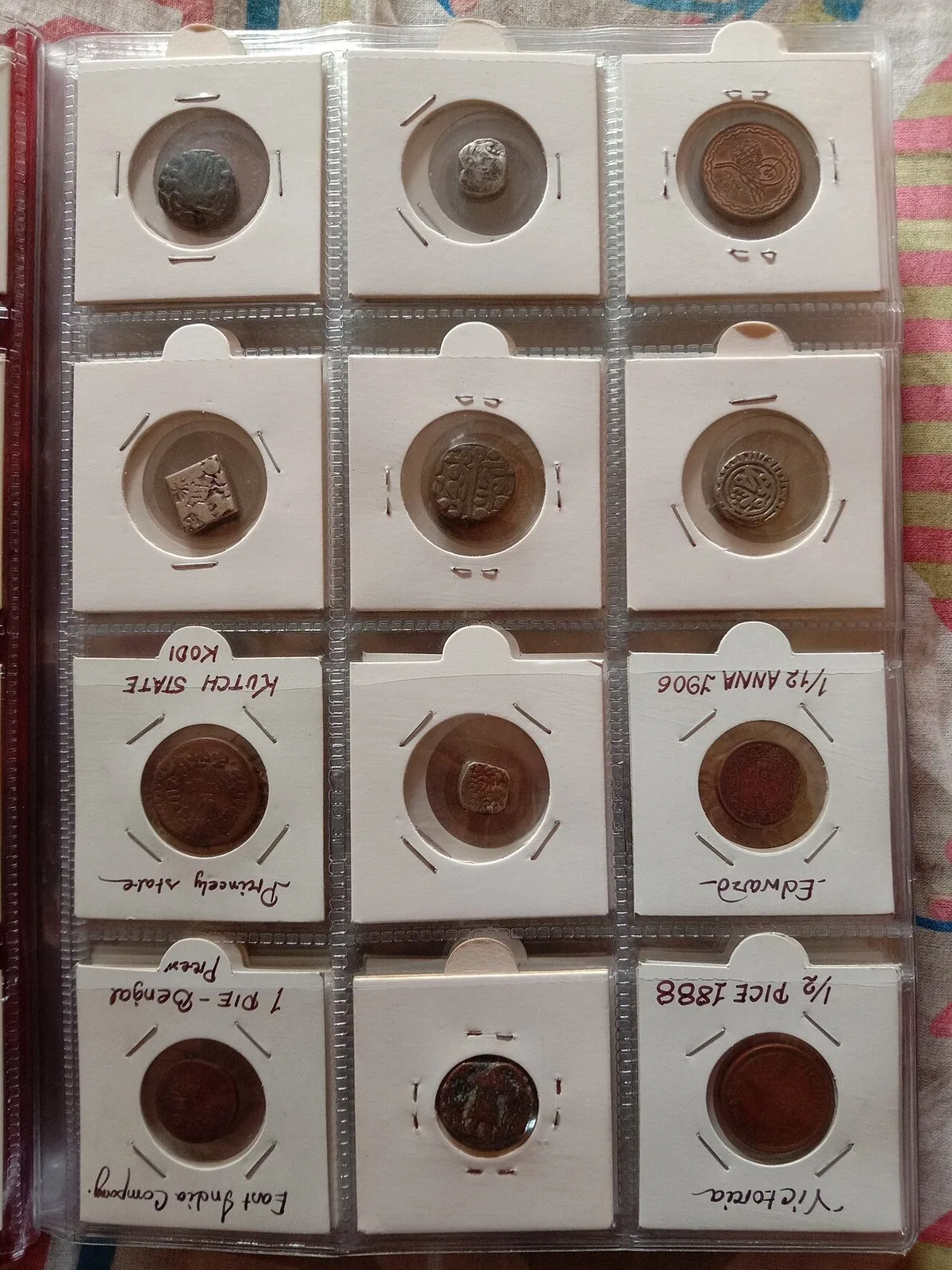
Spreadsheets are not the wrong answer. They're the first answer. They cost nothing, run on every device, and let you put any column anywhere. For a few dozen coins, they work fine. What works:
- Total control. You decide what to track and how to label it.
- No lock-in. A CSV is a CSV is a CSV. Take it anywhere.
- Quick edits. Tab, type, tab. No form, no validation, no friction.
- Free, on every device. Excel, Google Sheets, Numbers, LibreOffice. Same file, same data.
That is genuinely the best of it. The case for moving on isn't that spreadsheets are bad. It's that they stop helping past a certain size.
What breaks at 50 coins
Most collectors hit a wall around the fifty-coin mark. The friction stops being about typing and starts being about the things you cannot do at all:
- You don't know what your collection is worth. A purchase price column is not a current value. Manually checking eBay for fifty coins every month doesn't happen, so the "value" column drifts from reality.
- Your photos live somewhere else. The Dropbox folder, the camera roll, the loose folder on the laptop. The sheet has filenames at best. When you need an insurance file, you spend an evening matching photos to rows.
- You can't see series progress. The 50p Olympic series has 29 coins. Looking at a row count doesn't tell you which 29.
- You miss every price movement. A coin you watch jumps 30 percent at auction. The sheet doesn't know. You don't either, until next month.
- Mobile is painful. Tapping into a column on a phone, scrolling to find a row, fat-fingering the wrong cell. Excel on mobile exists but isn't how anyone wants to enter a coin while standing at a fair.
- Insurance becomes a project. Insurers want photographs, grades, market values and provenance per item. A spreadsheet plus a folder of photos is several days of work to assemble. A coin tracker exports it as one PDF.
- Death and probate. If you die tomorrow, can your partner read the sheet and know what it means? "1c VictoriaSP" is meaningless to anyone but you.
Bring your spreadsheet across in 60 seconds
The CSV import tool is the bridge. Save your coin spreadsheet as CSV (every spreadsheet program supports it), upload it from /account/import-csv, and the rows land in your collection.
Required column: coin_slug. The rest are optional.
Recognised optional columns:
Find the coin_slug on any coin page in the URL. /coin/1-crown-victoria-1st-portrait-1839
means the slug is 1-crown-victoria-1st-portrait-1839. If your sheet has only coin
names, use the catalogue search to look up the slug for each row, paste it in, then import.
Common spreadsheet column → MyCoinage field
Most existing coin spreadsheets map cleanly. Here are the typical ones we see:
Anything that doesn't map directly can go into tags or notes. We have
yet to see a sensible coin column the import couldn't accommodate.
What you keep, what you gain
The migration is additive. Everything in the sheet stays. The list below is what shows up once your rows land in MyCoinage:
Spreadsheet vs MyCoinage, head to head
| Capability | Excel / Google Sheets | MyCoinage |
|---|---|---|
| Cost | Free (Sheets) / £~70/yr (M365) | Free up to 25 coins |
| Live realised market price | Manual lookup | Auto, daily |
| Per-grade price history graph | No | Yes |
| Photo storage per coin | External folder | Built in |
| Watchlist with price alerts | No | Yes (Pro) |
| Series completion grid | DIY pivot tables | Built in |
| Insurance-grade PDF export | DIY | One click (Pro) |
| 4,700+ coin reference catalogue | Type each row | Pre-loaded |
| Mintage, designer, edge, mintmark fields | DIY | Pre-loaded per coin |
| Mobile entry | Painful | Yes |
| CSV import / export | Native | Both |
| Total control over columns | Yes | Structured (plus tags) |
The trade-off is structure. A spreadsheet bends to whatever you want. A tracker imposes a schema (one that handles 4,700+ coins consistently) and gets the live data, the photos, the graphs, the alerts and the export in return. Most collectors keep both for a few weeks, then stop opening the sheet.
A short note on coin inventory templates
Most templates online are either incomplete (missing grade or mint) or over-engineered with formulas that break the moment you change a column. Ours is deliberately plain: one header row and two example rows, in the exact columns the import reads. It opens in Excel, Google Sheets and Numbers.
Download the free coin collection spreadsheet template (CSV)
Keep using it as a sheet for as long as you like. When you're ready, upload the same file and every row lands in your collection.
Coin spreadsheet FAQ
Can I import a coin collection spreadsheet?
What is the slug I need in my CSV?
/coin/1-crown-victoria-1st-portrait-1839. If your spreadsheet only has the coin name, run a quick search in the catalogue to look up the slug. We are working on auto-matching by name, but a slug is the foolproof way to import.Will I lose any data when I move from Excel?
Can I export back to a spreadsheet later?
Why bother replacing the spreadsheet at all?
What does it cost?
Is there a coin inventory template if I want to keep using Excel?
slug, denomination, year, grade, purchase_price_gbp, purchase_date, source, storage_location, notes. Save as CSV when you are ready to import. We do not publish a separate XLSX template because the CSV import accepts almost any layout.What if my coin is not in the catalogue?
Can I import grades in Sheldon as well as UK descriptive?
Is the import tool safe for a collection I've spent years entering?
Related reading
- Coin catalog software, the structured side of the same product.
- What is your collection worth?, the question the spreadsheet can't answer.
- Physical coin tracker, the inventory-and-value tool overview.
- Coin Grading Guide, the grade values to put in your CSV.
- Coin Collection Insurance UK, valuing and documenting for cover.
Ready to retire the sheet?
Free for the first 25 coins. CSV import for whatever you've already typed.